Building a website used to require coding skills or hiring a developer. Today, tools like WordPress make it possible for almost anyone to create a professional site with little technical knowledge.
This guide explains what WordPress is, how it works, and how you can get started step by step.
What Is WordPress?
WordPress is a content management system (CMS). It helps you create, manage, and publish content on the web without needing to write code.
It was first released in 2003 and is now used by millions of websites worldwide, from personal blogs to business sites and online stores.
There are two main versions:
WordPress.org (Self-Hosted)
This is the most flexible option. You download the software and install it on your own hosting.
- Full control over your website
- Access to thousands of themes and plugins
- Can be customized freely
WordPress.com (Hosted)
This version is managed by Automattic.
- Hosting is included
- Easier for beginners
- Limited customization on free plans
For most users who want full control, WordPress.org is the better choice.
Why Use WordPress?
WordPress is popular for a reason. It offers a balance of ease and flexibility.
Key Benefits
- Easy to use: You can create pages and posts without coding
- Flexible: Build blogs, business sites, portfolios, or online stores
- Large ecosystem: Thousands of themes and plugins available
- SEO-friendly: Built with search engine basics in mind
- Community support: Plenty of tutorials and help available online
How WordPress Works
WordPress separates your website into three main parts:
1. Themes
Themes control how your website looks.
They define layout, colors, fonts, and overall design.
Example: A business theme may focus on services and contact forms, while a blog theme highlights articles.
2. Plugins
Plugins add features to your site.
Some common uses include:
- Contact forms
- SEO tools
- Security improvements
- E-commerce functionality
3. Content
This is what you create:
- Pages (Home, About, Contact)
- Posts (Blog articles)
- Media (Images, videos)
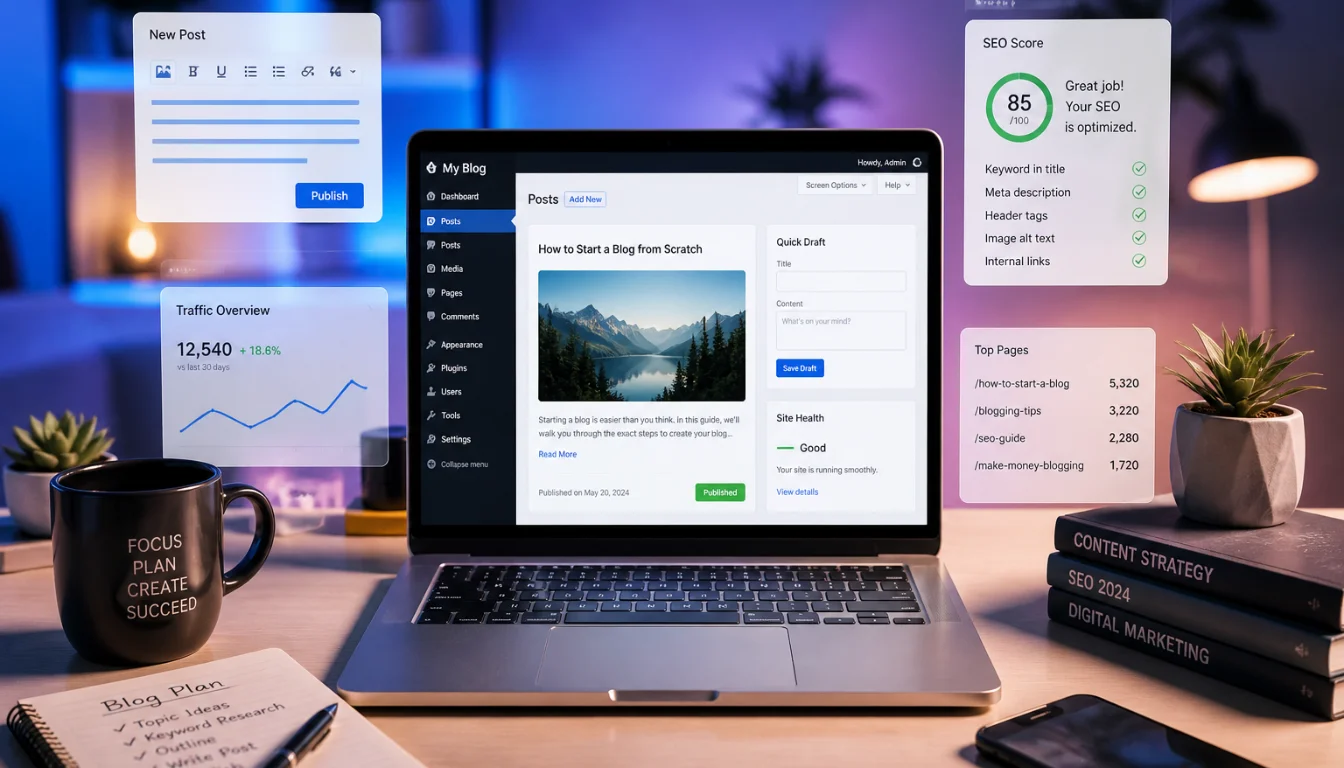
WordPress makes it easy to manage all of this from a simple dashboard.
What You Need to Get Started
Before creating your WordPress site, you need a few basic things:
1. Domain Name
This is your website address (e.g., yoursite.com).
Choose something simple and relevant to your topic or brand.
2. Web Hosting
Hosting is where your website files are stored.
Look for a provider that offers:
- Good speed and uptime
- Easy WordPress installation
- Basic security features
3. WordPress Installation
Most hosting providers offer one-click WordPress installation.
This means you can set up your site in minutes.
Step-by-Step: How to Start a WordPress Website
Step 1: Buy Domain and Hosting
Choose a hosting provider and register your domain.
Many hosting companies offer both together.
Step 2: Install WordPress
Use your hosting dashboard to install WordPress.
Once installed, you’ll get access to your admin panel:
yoursite.com/wp-admin
Step 3: Choose a Theme
Go to Appearance → Themes in your dashboard.
You can:
- Use a free theme from the WordPress library
- Upload a premium theme
Pick a clean, simple design that fits your purpose.
Step 4: Customize Your Website
Use the Customize option to adjust:
- Site title and logo
- Colors and fonts
- Layout options
Keep it simple and easy to navigate.
Step 5: Install Essential Plugins
Start with a few important plugins:
- SEO plugin (to improve search visibility)
- Security plugin (to protect your site)
- Backup plugin (to save your data)
Avoid installing too many plugins, as this can slow your site.
Step 6: Create Core Pages
Every website should have a few basic pages:
- Home
- About
- Contact
If you plan to blog, start adding posts as well.
Step 7: Publish Your Site
Once your pages are ready, your site is live.
You can continue improving it over time by adding content and features.
Tips for Beginners
Starting with WordPress can feel overwhelming, but a few simple tips help:
- Start small and build gradually
- Focus on clear design, not complex features
- Keep your site fast by using lightweight themes
- Update WordPress, themes, and plugins regularly
- Always keep backups
Common Mistakes to Avoid
Here are some issues beginners often face:
- Installing too many plugins
- Choosing a heavy or poorly designed theme
- Ignoring website security
- Not updating content regularly
- Forgetting to back up the site
Avoiding these mistakes can save time and effort later.
When Should You Use WordPress?
WordPress works well for:
- Personal blogs
- Business websites
- Freelance portfolios
- Online stores (with plugins like WooCommerce)
If you need full control and scalability, it’s a solid choice.
Conclusion
WordPress is a practical and flexible tool for building websites. It removes the need for advanced technical skills while still offering powerful customization options.
Getting started is simple: choose a domain, set up hosting, install WordPress, and begin building your site step by step.
Focus on clear design, useful content, and steady improvement. Over time, your website can grow into a strong and reliable online presence.