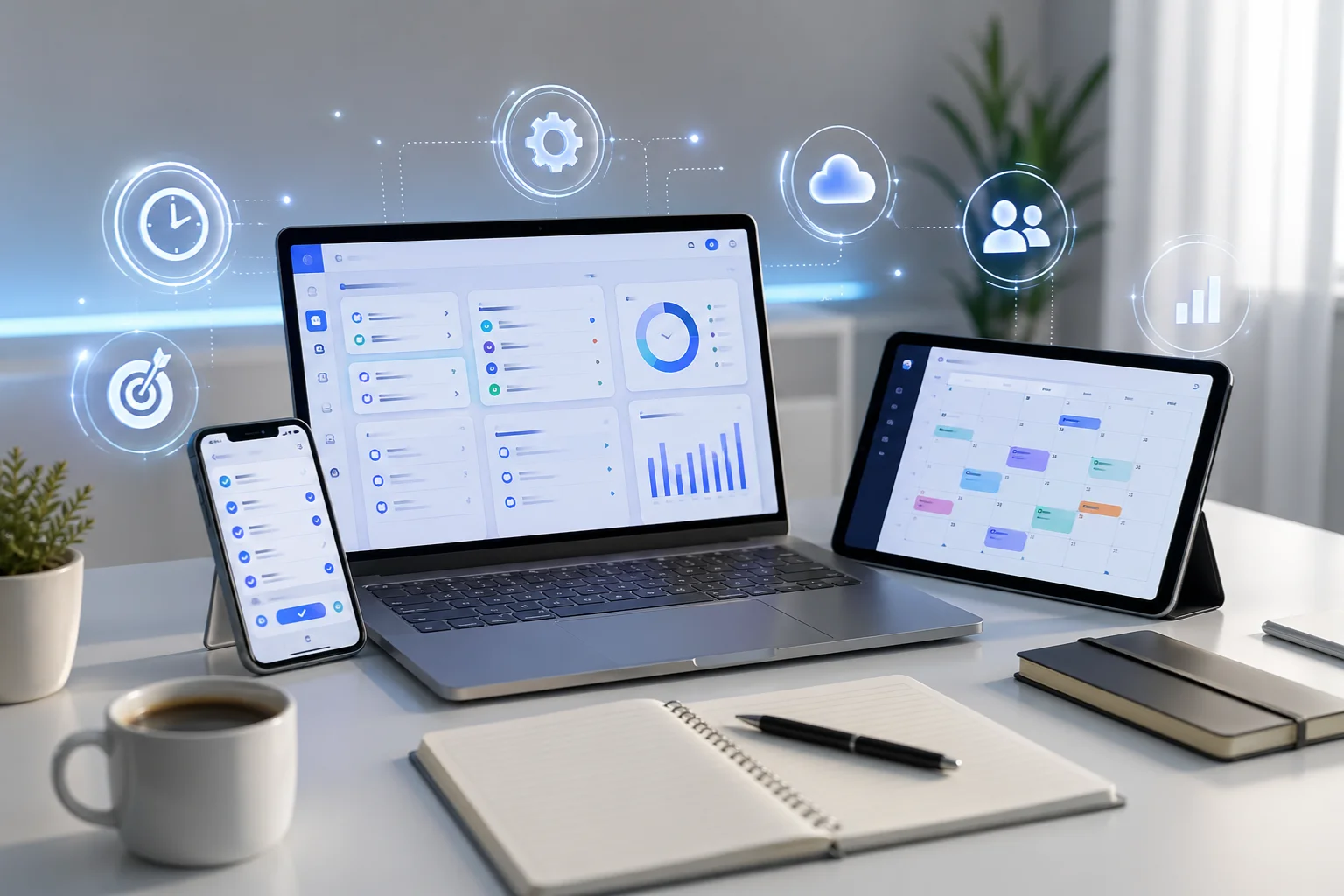
Every day feels like a race against time. Tasks pile up, notifications never stop, and staying focused becomes harder than it should be. In the middle of all this, the right apps can quietly change how smoothly your day runs.
This article looks at practical apps that help you plan better, stay focused, and manage your time without stress. These are not magic tools, but simple digital helpers that make daily work more organized and less chaotic.
Why Efficiency Apps Matter in Daily Life
Modern life comes with constant distractions. Between work, personal tasks, and digital noise, it’s easy to lose track of what actually matters.
Efficiency apps help you:
- Organize tasks in one place
- Avoid forgetting important work
- Save time on planning
- Stay focused for longer periods
- Reduce mental clutter
The goal is not to work more, but to work smarter.
Task Management Apps That Keep You Organized
Todoist
Todoist is one of the simplest ways to manage daily tasks. You can create to-do lists, set deadlines, and break big tasks into smaller steps.
A real-life example:
If you’re working on a project, instead of keeping everything in your mind, you can list tasks like “research,” “draft,” and “final review.” This reduces stress and improves clarity.
Why it helps:
- Clean and easy interface
- Quick task entry
- Reminder system for deadlines
Microsoft To Do
Microsoft To Do is useful for people who prefer a simple daily planner. It integrates well with Microsoft tools and allows smooth task syncing across devices.
Key benefits:
- Daily task planning view
- “My Day” feature for focus
- Easy syncing with Windows and mobile
It’s a good choice if you like structure without complexity.
Note-Taking Apps for Better Thinking
Evernote
Evernote helps you store ideas, notes, and documents in one place. It works like a digital notebook that you can access anytime.
Example use case:
If you attend meetings or watch online lectures, you can quickly save key points and revisit them later.
Main features:
- Organize notes into notebooks
- Save web pages and images
- Search inside notes easily
Notion
Notion is more than a note-taking app. It combines notes, tasks, databases, and planning tools in one workspace.
It is especially useful for:
- Students managing study material
- Freelancers tracking projects
- Teams organizing workflows
Instead of switching between apps, everything stays in one system.
Calendar Apps for Time Planning
Google Calendar
Google Calendar helps you plan your day visually. You can schedule meetings, set reminders, and block time for focused work.
A simple example:
You can assign 9–11 AM for deep work and 2–3 PM for meetings, helping you avoid random interruptions.
Why it works well:
- Easy scheduling
- Color-coded events
- Automatic reminders
Focus Apps That Reduce Distractions
Forest
Forest helps you stay focused by turning your work sessions into a game. When you start focusing, a virtual tree grows. If you leave the app, the tree dies.
This simple idea encourages you to stay off your phone.
Best for:
- Students studying
- People who get distracted easily
- Short focused work sessions
RescueTime
RescueTime tracks how you spend your time on your devices. It runs in the background and shows detailed reports of your daily activity.
Example insight:
You might discover you spend 3 hours on social media without realizing it.
Benefits:
- Automatic time tracking
- Productivity reports
- Helps identify distractions
Team Communication and Work Apps
Slack
Slack is widely used for team communication. Instead of long email chains, it organizes conversations into channels.
Why teams use it:
- Faster communication
- Organized discussions by topic
- Easy file sharing
It helps reduce confusion in group work environments.
How to Choose the Right Apps for You
Not every app is necessary for everyone. The best approach is to keep it simple.
Here’s a practical way to choose:
- If you forget tasks → use a task manager
- If you take lots of notes → use a note app
- If you miss deadlines → use a calendar app
- If you get distracted → use a focus app
- If you work in teams → use a communication app
Start with one or two apps instead of installing everything at once.
Common Mistake People Make
A lot of people download too many productivity apps but don’t use them properly. This creates more confusion instead of solving problems.
The real goal is:
- Use fewer apps
- Use them consistently
- Keep your system simple
Efficiency comes from habit, not tools alone.
Final Thoughts
Productivity apps are not about doing more work in less time. They are about creating clarity in your daily routine.
When used correctly, apps like task managers, calendars, note tools, and focus trackers help you stay organized without mental pressure. The key is choosing the right mix that fits your lifestyle and sticking with it consistently.
A simple setup is often more powerful than a complicated system.