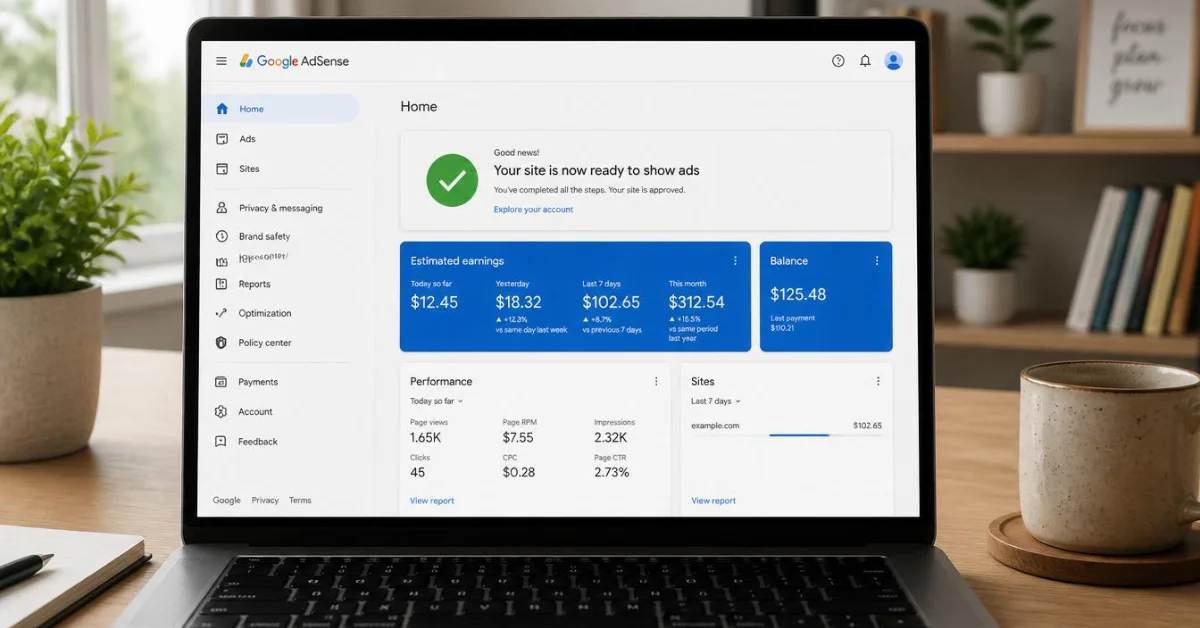
Getting Google AdSense approval has become noticeably harder in 2026. Google now reviews websites more carefully than ever — especially since AI-generated content flooded the internet — and it’s applying stricter E-E-A-T (Experience, Expertise, Authoritativeness, Trustworthiness) standards across the board. The good news is that if you build your site correctly from the start, approval is very achievable. This guide covers every step you need to take, including the mistakes that get most applications rejected before a human reviewer even looks at them.
Why AdSense Applications Get Rejected (Know This First)
Most rejections aren’t random — they come from the same handful of issues. Understanding these upfront saves you from applying too early and having a rejection on record:
- Thin or AI-generated content — Google specifically flags low-value content in 2026, including posts that are clearly auto-generated without human editing or original insight
- Missing essential pages — no About, Privacy Policy, Contact, or Disclaimer page is an almost guaranteed rejection
- Too few articles — applying with 4–5 posts rarely works; Google wants to see a real, active site
- Free subdomain — sites on free platforms like Blogspot or WordPress.com free tier get rejected far more often than custom domains
- Policy violations — any adult content, pirated material, gambling content, or misleading health/financial claims
- Poor site design or slow load speed — a site that looks unfinished or takes more than 3 seconds to load signals low quality
Step 1: Build Your Content First — Minimum 15 to 20 Articles
Before you even think about applying, your site needs enough real content to look like a legitimate publisher. Google’s own guidelines say content must be “high-quality, original, and attract an audience” — and in practice, that means you need enough posts to demonstrate your site’s purpose and value.
Aim for at least 15 to 20 well-written articles before applying. Each post should be a minimum of 800 words, though 1,000 to 1,500 words is better for topics that warrant it. More importantly, every post should genuinely answer the reader’s question — not pad word count with filler. Google’s reviewers are looking for articles that solve real problems, not content that exists purely to host ads.
For a Tech/AI niche site like Duaction.net, this means in-depth guides on specific tools, step-by-step tutorials, and honest comparisons — not surface-level overviews that any AI could generate in 30 seconds. Google is especially suspicious of AI content in 2026, so make sure every article has been edited to sound like a real person wrote it, with specific examples, genuine opinions, and natural variation in sentence structure.
Step 2: Add These Four Essential Pages to Your Site
Missing even one of these pages is one of the top reasons AdSense applications get rejected. These pages show Google — and your visitors — that you’re running a legitimate site, not a content farm.
About Page: Explain who you are, what your site covers, and why you created it. You don’t need to reveal your full identity, but the page should feel personal and specific — not a generic two-sentence placeholder. For a tech blog, mention what topics you focus on and who your content is for.
Privacy Policy: This page is legally required in most countries if your site collects any user data — which it does if you use Google Analytics, contact forms, or cookies. Google requires it for AdSense. You can generate a free Privacy Policy at sites like PrivacyPolicyGenerator.info and customize it with your site name and contact email.
Contact Page: A simple form or a publicly visible email address. This tells Google there’s a real person behind the site who can be reached.
Disclaimer: Especially important for tech review and AI tool content — a disclaimer clarifying that your reviews are independent opinions, and disclosing any affiliate relationships, builds the transparency Google looks for.
Place links to all four pages in your site’s footer so they’re accessible from every page on your site.
Step 3: Make Sure Your Site Passes These Technical Checks
Content and pages aren’t enough on their own — your site’s technical setup matters too.
Custom domain: Apply using a paid custom domain (like duaction.net) rather than a free subdomain. Free subdomains are rejected far more frequently, and a custom domain signals that you’re serious about your site.
HTTPS: Your site must run on HTTPS — not HTTP. Most hosting providers include a free SSL certificate through Let’s Encrypt. If your site still shows as “Not Secure” in the browser, fix this before applying.
Mobile-friendly design: Google checks that your site looks and functions correctly on mobile devices. Use a responsive WordPress theme — most modern themes handle this automatically, but test your site on a phone before applying.
Page speed: A load time of 2 to 3 seconds is ideal. Run your site through Google PageSpeed Insights and fix any critical issues it flags, especially large uncompressed images and unused JavaScript.
Easy navigation: Your site needs a clear menu with your main categories, and visitors should be able to browse between articles easily. A site that feels hard to navigate signals poor user experience, which hurts your approval chances.
Step 4: Verify Your Site Doesn’t Violate Any AdSense Policies
Go through your entire site before applying and look for anything that violates Google’s content policies. Common violations that block approval include:
- Adult content of any kind — even mild
- Pirated software, movies, or content download links
- Gambling or casino-related content
- Fake health or medical claims without proper disclaimers
- Misleading titles or clickbait that doesn’t match the article content
- Scraped or copied content from other sites
For a tech and AI niche blog, the biggest risk is usually thin AI-generated content and potentially misleading tool reviews. Make sure every article reflects genuine research and doesn’t make unverifiable claims about tools or their capabilities.
Step 5: How to Apply for Google AdSense
Once your site meets the above requirements, here’s how to apply:
Go to google.com/adsense/start and click Get Started. Sign in with your Google account, enter your website URL, and provide your payment information. Google will ask you to add a small piece of code to your site — either in your site’s <head> section or via a plugin like Site Kit if you’re on WordPress. Once the code is added and verified, Google begins reviewing your site.
Most applications are reviewed within 48 hours to 2 weeks, depending on how busy the review queue is and how clearly your site meets the requirements. You’ll receive an email notification when the decision is made.
Step 6: What to Do If You Get Rejected
A rejection is not permanent — you can reapply after fixing the issues Google flagged. The rejection email usually gives you a general reason, such as “insufficient content” or “does not comply with Google policies.” Here’s how to respond to the most common rejections:
Insufficient content: Add more articles and make sure existing ones are detailed, original, and genuinely helpful. Aim for 20+ posts before reapplying.
Policy violation: Go through every page and post carefully, remove or edit the content that triggered the violation, and wait at least 2 weeks before reapplying.
Site not fully operational: Make sure all links work, all pages load correctly, and your site has no “coming soon” or empty placeholder pages when you apply.
Wait at least 2 to 4 weeks after making fixes before reapplying — this gives Google time to re-crawl your site and see the improvements.
Frequently Asked Questions
How many articles do I need before applying for AdSense?
There’s no official number from Google, but in practice, 15 to 20 high-quality articles of 800 words or more gives you a strong foundation. Quality matters more than quantity — 15 detailed, original articles will outperform 40 thin posts every time.
Does my site need traffic to get AdSense approval?
Google officially says there’s no minimum traffic requirement for approval. However, having some real organic visitors — even 20 to 50 per day — makes your site look active and legitimate, which can speed up the review process. Avoid buying traffic or using bots — Google detects invalid traffic and it can get your application permanently rejected.
How long does AdSense approval take in 2026?
Most applications receive a decision within 48 hours to 2 weeks. If your site is well-prepared and clearly meets Google’s requirements, decisions often come faster. If it takes longer than 2 weeks, it usually means a manual review is in progress.
Can I get AdSense approval with AI-written content?
This is one of the trickiest areas in 2026. Google doesn’t ban AI-assisted content outright, but it does reject content that is clearly auto-generated, repetitive, or low in original value. If you’ve used AI to write articles, they need to be heavily edited — adding personal experience, specific examples, original analysis, and a natural writing voice — before applying. Unedited AI content is one of the most common reasons for rejection right now.
What is the fastest way to get AdSense approval?
The fastest path is: 15 to 20 original, helpful articles → all four essential pages (About, Privacy Policy, Contact, Disclaimer) → clean mobile-friendly design → custom domain with HTTPS → no policy violations → apply. Sites that check all these boxes before applying typically get approved within a few days.
Final Thoughts
Getting Google AdSense approval fast in 2026 comes down to one thing: building a site that genuinely looks and functions like a real publication, not a placeholder built for ads. Focus on original content that solves real problems for your audience, complete all your essential pages, fix your technical setup, and apply only when your site is truly ready. A single well-prepared application is far better than multiple rushed ones — each rejection adds friction to the process and delays your monetization timeline. If you’re building a tech or AI niche blog and want to understand which tools and platforms are worth covering, our guides on Canva vs Photoshop and how to use ChatGPT effectively are good starting points for the type of content that performs well in this space.